
Back to blog
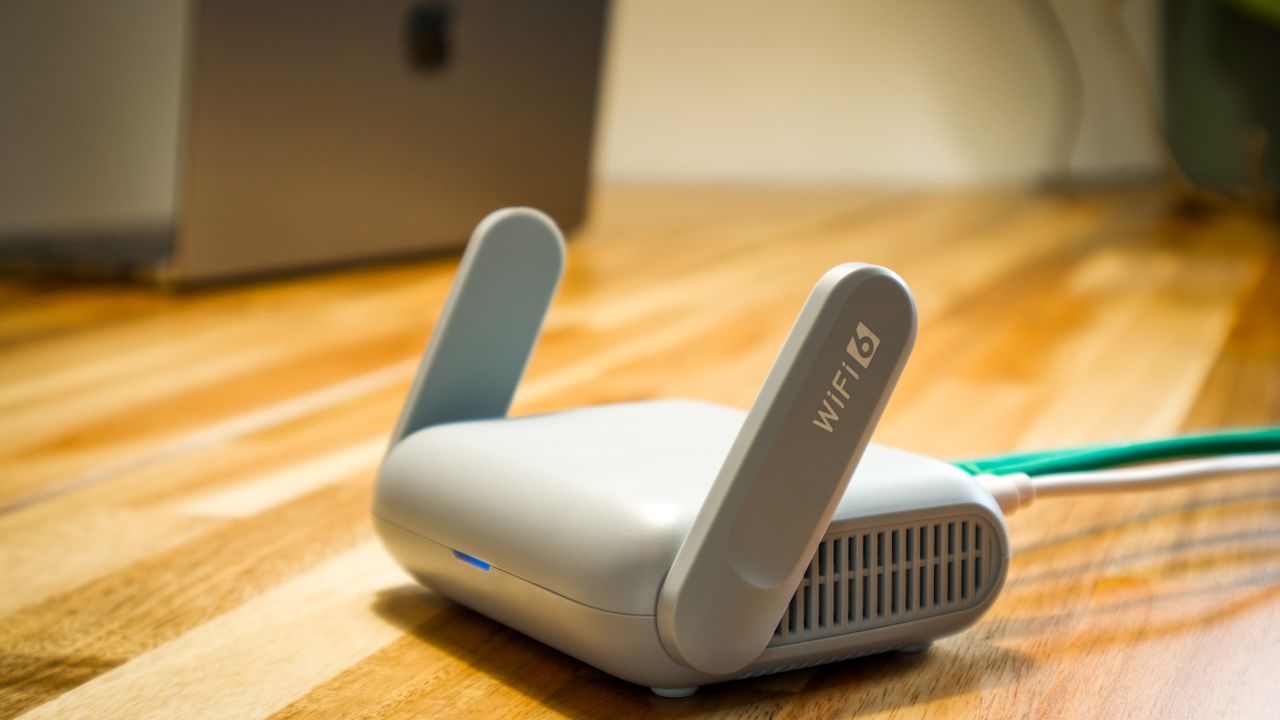
5 tips to optimize your home Wi-Fi connection
A good internet connection doesn’t depend on your package alone: your Wi-Fi network setup plays a key role. Here are five simple tips to optimize your connection at home.
1. Place your router in the center of your home
Wi-Fi radiates in all directions. A router tucked in a corner wastes half its signal. Choose a central, elevated position.
2. Keep interference sources away
Microwave ovens, cordless phones and thick walls can degrade the signal. Keep your router away from these obstacles.
3. Update the firmware
Router updates fix security flaws and improve performance. Check for them regularly.
4. Secure your network
A strong password (WPA2/WPA3) prevents neighbors from using your bandwidth.
5. Restart regularly
A monthly router restart solves most temporary slowdowns.
This article is placeholder content pending official client content.